A SIM swap attack is not a magic hack that breaks encryption. It is closer to identity theft with a customer support script. The attacker convinces your mobile carrier to move your phone number to a SIM or eSIM they control. After that, they can receive your calls and SMS messages, including login codes and password reset links that are sent by text.
So can 2FA stop it?
Yes, but only if the 2FA method does not depend on your phone number, and only if the account recovery settings do not quietly route back to SMS anyway. If your “backup” path is still your number, then strong 2FA can be reduced to a speed bump.
SIM Swap Attack Mechanics
A phone number is not a physical thing you own. It is an entry in a carrier database that tells the network where to route calls and texts. A SIM card (or eSIM profile) is one of the main identifiers that ties your device to that routing.
A SIM swap attack changes that routing.
Most SIM swaps follow a predictable pattern:
- Data collection: The attacker gathers personal details that carriers often use for identity checks. This can come from data breaches, public social media posts, old email dumps, and basic open-source searching.
- Carrier contact: They contact your carrier through phone support, chat, or a store visit. The story is usually urgent: lost phone, broken phone, traveling, locked out, new device.
- SIM or eSIM activation: If the carrier accepts the story, they transfer your number to the attacker’s SIM or push an eSIM activation to the attacker’s device.
- Account takeover: Now the attacker starts resetting passwords and logging in, using the SMS codes they are receiving as the “second factor.”
Two details matter here:
- This is mostly a people-process attack. It targets carrier workflows and customer support controls.
- eSIM can speed it up. With eSIM, the attacker may not need a physical SIM card at all. A QR code or activation flow can provision the number remotely, which cuts down the time between “swap succeeded” and “account drained.”
SIM Swap Fraud Growth
SIM swap fraud is popular because it is scalable and pays fast. Once an attacker has control of a number, they often aim for email first. Email is the reset key for everything else.
The growth numbers are not subtle. In the UK, Cifas reported a 1,055% rise in SIM swap cases in 2024 (from 289 cases in 2023 to nearly 3,000 in 2024). (Cifas)
In the US, the FBI’s Internet Crime Complaint Center (IC3) lists “SIM Swap” complaints and losses in its 2024 report, including 982 complaints and adjusted losses of $25,983,946. (Internet Crime Complaint Center)
That money is not always stolen straight from a bank account. A lot of the damage comes from what a number unlocks: crypto accounts, payment apps, password managers, and the email inbox that controls resets.
SMS 2FA Weakness
SMS-based 2FA feels comforting because it looks like “something you have.” The problem is that it is really “something your carrier routes.”
Here is what SMS 2FA actually means:
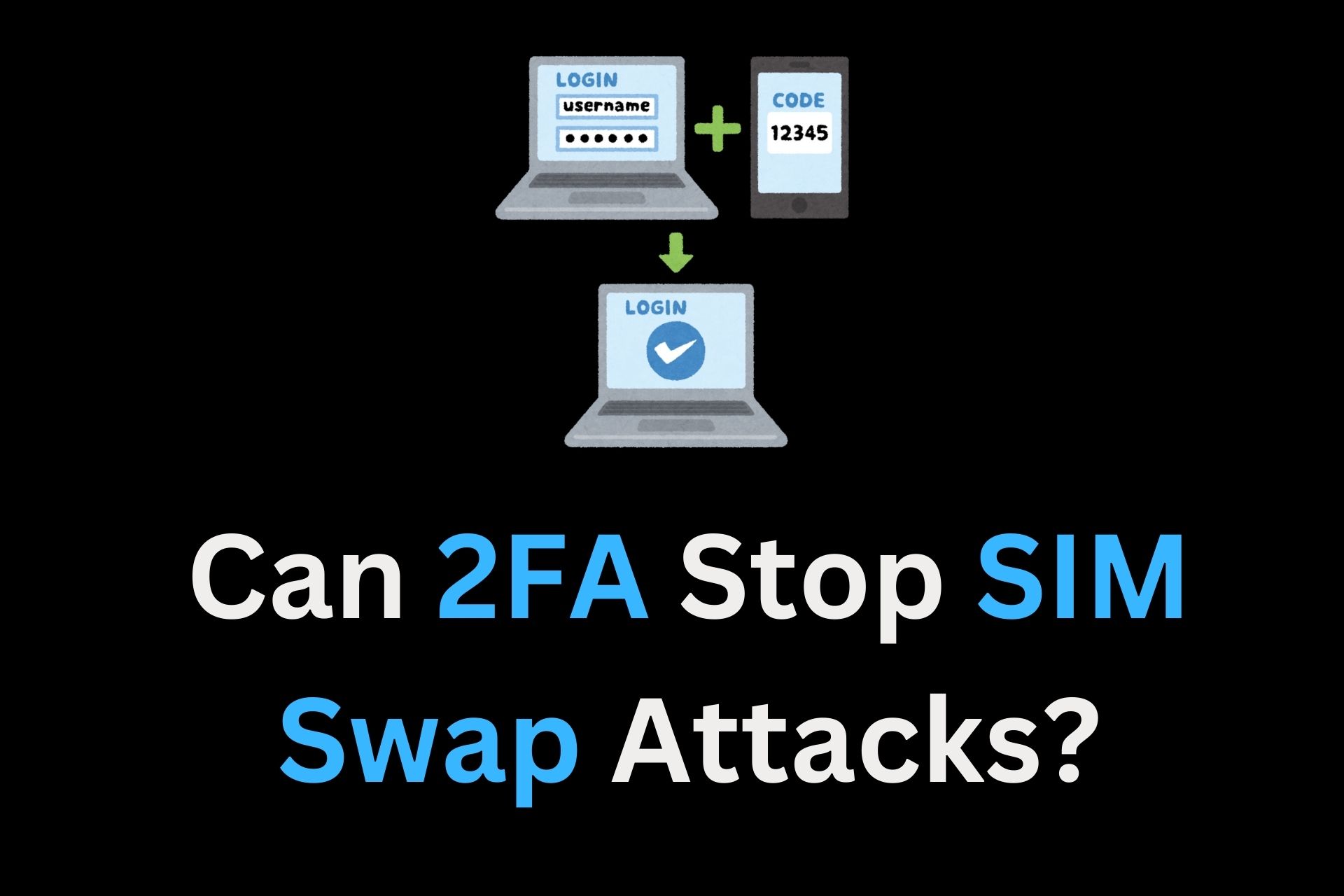
- You type your password.
- The site sends a one-time code to your phone number by SMS.
- You enter the code, and you are in.
That sounds like a second factor. In practice, it is closer to a second password that is delivered through your carrier, and carriers are exactly what SIM swap attackers manipulate.
Why SMS 2FA Breaks Under SIM Swaps
If an attacker controls your number, they control SMS delivery. The carrier is doing what it is designed to do: route texts to the active SIM or eSIM that currently “owns” the number in its system.
So when you ask “Can 2FA stop SIM swaps?” and the 2FA is SMS, the honest answer is: SMS 2FA is one of the main reasons SIM swaps work at all.
Voice-call 2FA is not much better. If the code is read over a call to your number, a SIM swap routes that call to the attacker too.
The Network Itself Is Not Built for Secrets
SMS was never designed as a secure channel for authentication secrets. Modern security guidance reflects this.
NIST’s Digital Identity Guidelines treat authentication over the public switched telephone network (PSTN), which includes SMS and voice, as restricted, and they explicitly call out “SIM change” and “number porting” as risk indicators that verifiers should consider before using PSTN to deliver an authentication secret. (NIST Publications)
That is a polite way of saying: if a SIM swap just happened, sending a login code by SMS is a bad idea.
What SMS 2FA Still Does Well
SMS 2FA is not useless. It is better than no second factor, especially against basic password stuffing where the attacker only has a leaked password. It adds friction.
But it is the wrong tool against the specific threat model of SIM swapping, because SIM swapping is designed to seize the SMS channel.
TOTP Authenticator Apps
If SMS is “send the code through the carrier,” then authenticator apps flip the design.
Most authenticator apps use TOTP (Time-Based One-Time Passwords). The important detail is where the code comes from.
A TOTP setup works like this:
- The service shows a QR code.
- That QR code contains a secret seed (a shared secret).
- Your authenticator app stores that seed locally.
- Every 30 seconds (usually), the app combines the secret seed with the current time and produces a short code.
No SMS. No phone call. No routing.
Why TOTP Helps Against SIM Swaps
A SIM swap gives an attacker control of your number, not control of the secret seed inside your authenticator app.
Even if your phone loses cellular service, the authenticator app still works on Wi‑Fi or even in airplane mode. The codes are generated on the device.
That single design choice is huge. It decouples authentication from the carrier.
The Catch With TOTP
TOTP is much stronger than SMS against SIM swaps, but it has two weaknesses worth respecting:
- TOTP is not phishing-resistant.
If you type a TOTP code into a fake login page, a real-time phishing kit can forward it to the real site instantly and log in. This is not a SIM swap problem, but SIM swap crews often mix tactics. - Recovery settings can undo everything.
If the account lets an attacker click “Try another way” and switch back to SMS, then the attacker will do exactly that after a SIM swap. The authenticator app is strong, but the login system is only as strong as its weakest allowed method.
A good mindset is: TOTP protects the login step, not necessarily the whole account lifecycle.
Push Notification MFA
Push-based MFA is when an app pops up a prompt like “Was this you?” and you tap Approve or Deny.
This can be strong when implemented well because it is usually tied to a registered device, not a phone number. A SIM swap does not magically deliver push prompts to the attacker.
Push MFA tends to fail in different ways:
- MFA fatigue: Attackers spam approval prompts until the user taps Approve out of annoyance or confusion.
- Social engineering: The attacker calls pretending to be support and says “Approve the prompt so we can secure your account.”
NIST even suggests limiting the rate or total number of push notifications since the last successful authentication. That is basically a standards-body way of saying: stop letting attackers hammer the button until someone gives up.
Push MFA is not a silver bullet, but it is generally far more SIM-swap-resistant than SMS, as long as the fallback path is not SMS.
Hardware Security Keys
Hardware security keys (often called FIDO2 keys, WebAuthn keys, or just “security keys”) are the cleanest answer to SIM swaps.
They work differently from codes:
- The key creates a unique cryptographic key pair for each site.
- The site stores the public key.
- The private key stays on the hardware key.
- When you log in, the site sends a challenge, the key signs it, and the site verifies the signature.
No codes to intercept. No SMS to reroute.
Why Hardware Keys Stop SIM Swap Account Takeover
A SIM swap attacker can receive your texts, but a security key is a physical object they do not have.
More importantly, hardware keys are origin-bound. They check the website domain before signing. A fake login page on the wrong domain cannot trick the key into authenticating.
That means hardware keys can block two common SIM swap add-ons:
- SMS interception (because no SMS is used)
- Real-time phishing (because the key refuses to sign for the wrong site)
The Practical Limits
Hardware keys are strong, but they change the “lockout” risk. Lose the key, and you need a backup. Most serious setups use at least two keys:
- One carried daily
- One stored safely at home or in a secure place
If a service allows a security key but also allows SMS fallback, then the security key becomes optional armor. Optional armor is nice, but attackers prefer the unlocked side door.
This is where account recovery becomes the real battleground.
SIM Swap Account Recovery
Most people picture authentication as a front door: password, then 2FA, then inside. Real accounts are more like a building with emergency exits, staff entrances, and “forgot password” desks.
Attackers love those desks.
A common SIM swap takeover looks like this:
- The attacker SIM swaps the number.
- They go to your email provider or bank.
- They click Forgot Password.
- The service says “We can text a code to your phone number ending in 12.”
- The attacker clicks Yes.
- The code goes to the attacker, because the number now routes to them.
- They set a new password and often change recovery options.
This is why strong 2FA can still fail. The account is not being broken into. It is being recovered by someone holding your number.
Trusted Numbers And SMS Fallback
Many ecosystems still anchor recovery to a phone number. Apple’s support documentation is a good example of how normal this is: turning on two-factor authentication involves adding a trusted phone number, and Apple describes sending verification codes to that trusted number by text or phone call if needed.
That is convenient when you lose a device. It is also exactly what a SIM swap attacker wants.
What To Audit In Recovery Settings
For high-value accounts (email, banking, crypto, password managers), an audit usually includes:
- SMS as a login option: If the service offers “text me a code” as an alternate sign-in method, consider disabling it.
- SMS as a recovery method: Remove phone numbers from password reset flows when possible.
- Support-based recovery: Some services let support remove 2FA after “verifying identity.” If that identity proof is just your phone number or easy personal info, that is a weak point.
- Backup codes: Generate backup codes and store them safely. They are boring, but boring beats locked out.
- Multiple strong factors: Use two security keys, or a key plus a TOTP app, so recovery does not need SMS.
The goal is simple: make it hard for anyone to use your number as proof of identity.
Carrier Port Protection
Since SIM swaps start at the carrier, carrier-side controls still matter. They do not replace strong 2FA, but they add friction and can buy time.
Common carrier protections include:
- Account PIN or passcode: A separate code required for support actions.
- Port-out PIN: A code needed to transfer your number to another carrier.
- Line lock or number lock: A setting that blocks SIM changes or ports unless unlocked.
- In-store verification: Requiring ID for high-risk changes.
These controls are not perfect. A determined attacker may still social-engineer a rep, or target an insider. But friction matters, especially when the attacker is racing against alerts.
Regulatory Pressure
In the US, the FCC has adopted rules aimed at SIM-swap and port-out fraud. In its “Protecting Consumers from SIM-Swap and Port-Out Fraud” rulemaking, the FCC requires wireless providers to offer customers the option to lock or freeze their account to stop SIM changes, at no cost, and it discusses immediate customer notification of SIM change requests as a security benefit.
Regulation does not stop every attack, but it can force better defaults and clearer customer options.
VoIP Numbers
One workaround that security-focused people use is switching “important 2FA” away from a carrier number and onto a VoIP number (like a Google Voice number).
The logic is straightforward:
- A VoIP number is usually tied to an online account, not a SIM.
- A carrier cannot “SIM swap” a VoIP number the same way.
- To steal that VoIP number, the attacker usually needs to break into the VoIP account first.
This can be a win if the VoIP account is protected with strong methods like a hardware key and has no SMS fallback.
The downside is that some banks and financial services block VoIP numbers because they are also used by fraudsters. That policy forces many people back to carrier numbers for banking, which reopens the SIM swap problem.
So VoIP is useful, but not always available for the accounts where it matters most.
Passkeys
Passkeys are a big step forward because they replace passwords and many forms of 2FA with a single phishing-resistant login flow.
A passkey is a FIDO credential:
- It uses public-key cryptography.
- The private key stays on your device (or in a synced keychain).
- The website gets only the public key.
That design makes passkeys naturally resistant to SIM swaps. There is no SMS code to steal, and no password to reset with a text.
The Weak Spot Moves Upstream
Passkeys shift the main risk to the account that syncs them.
If passkeys are stored in iCloud Keychain or Google Password Manager, then the security of your Apple Account or Google Account becomes the security of your passkeys.
If that root account can be recovered through a SIM-based trusted number, then a SIM swap can still become a stepping stone. That does not mean passkeys are weak. It means the “master account” deserves the strongest possible protection, including security keys and strict recovery settings where available.
SIM Swap Warning Signs
SIM swaps often announce themselves in small, ugly ways:
- Your phone suddenly loses cellular service in a place that normally has coverage.
- Friends say your calls go straight to voicemail.
- You stop receiving SMS codes, even though the site says it sent them.
- You get carrier emails or texts about a SIM change or number transfer that you did not request.
- You see login alerts for email, banking, or social accounts you did not trigger.
Treat “No Service” plus login alerts as a real emergency. It might still be a carrier outage, but outages do not usually arrive with password reset emails.
SIM Swap Damage Control
Speed matters, because the attacker is trying to lock down accounts before you regain control.
A solid response plan looks like this:
- Contact the carrier immediately
Use another phone if possible. Ask for the fraud department. Tell them the number has been SIM swapped and request that they:- restore service to your SIM/eSIM
- lock the line against further changes
- add or reset an account PIN
- confirm recent changes (SIM change, eSIM activation, port-out attempts)
- Secure the email account first
Email is often the reset hub. Change the password, then:- switch to authenticator app or security key MFA
- remove SMS recovery options where possible
- review forwarding rules and trusted devices
- Lock down financial accounts
Call banks and payment services. Ask them to:- place a hold on transfers if suspicious activity is present
- add extra verification notes
- review recent login and device history
- Rotate credentials strategically
Focus on accounts that can cause cascading harm:- password manager
- mobile carrier account
- banking and payment apps
- crypto exchanges and wallets
- Document everything
Save carrier case numbers, timestamps, and any alerts. If money was stolen, those details help with disputes and reports.
This is one of those cases where being “a little paranoid” is just being prepared. SIM swap attacks are fast, but they are not invisible.
Conclusion
Two-factor authentication can stop SIM swap attacks, but only the kind of 2FA that does not treat your phone number like a security token.
SMS-based 2FA is convenient and familiar, but it is tied to the exact system SIM swappers hijack. Authenticator apps and security keys cut the carrier out of the loop, which is why they work. Passkeys go even further, but they make your cloud account the new crown jewel.